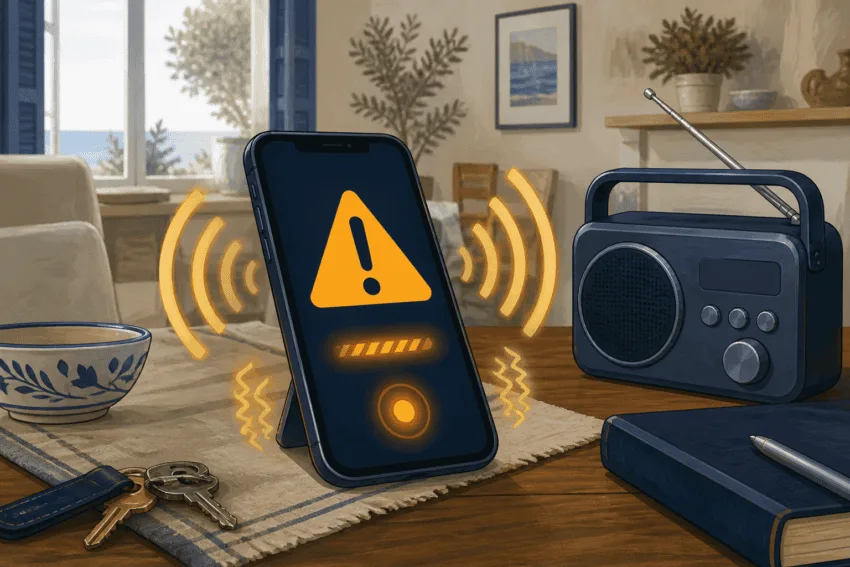
A sudden alarm, maximum vibration and a message filling the screen can mark the start of an emergency for thousands of people at once. When an ES-Alert arrives, the useful first step is not to call 112 or search social media. Read the entire warning and follow the specific instruction it contains.
The message may tell people to evacuate, shelter indoors, avoid a road or leave an area. The correct action changes with the hazard and location, so advice remembered from another emergency cannot replace the new message. A test or drill will be clearly identified as such.
ES-Alert is not a conventional text message. Spain’s Civil Protection directorate explains that authorities define an area and mobile antennas broadcast the warning to compatible phones connected to those cells. The system does not need users’ phone numbers or receive their individual location.
No registration or app is required
A compatible phone receives the alert directly through the mobile network. The main Civil Protection Alert level is enabled by default and cannot be switched off, while lower-level pre-alerts can be adjusted on some devices. Sound and vibration may activate even when the phone is locked, silenced or in Do Not Disturb mode.
The phone must be on and have coverage. A device that was off or out of range will display the warning when it reconnects only if the alert remains valid and it is inside the affected area. Civil Protection says Android 11 or later and iOS 15.6 or later display the dedicated setup correctly; older phones may behave differently.
Android users who dismiss a warning too quickly can usually find it under Settings, Safety and emergency, Wireless emergency alerts and Alert history. The route varies by manufacturer; Google’s Android help page also places the controls under Notifications. On an iPhone, the alert remains in notifications until deleted, after which there is no equivalent history. Apple lists the available controls under Settings, Notifications and Government Alerts in its iPhone guidance.
Use 112 to report an emergency, not to verify the alarm
After reading the message, warn people nearby. Some may lack coverage, have a phone switched off or not understand the warning. Then monitor official channels for changes. In the Valencian Community, the 112CV website and GVA 112 Avisos app complement ES-Alert with risk levels and incident updates; neither is required to receive the mass warning.
An alert does not mean every recipient should call 112. Using the line merely to ask whether a message is genuine can delay people who need assistance. Call when there is an emergency to report, someone is in danger or the warning tells you to do so.
ES-Alert does not replace sirens, loudspeakers, radio or municipal warnings. It complements them. If a message orders people to shelter indoors, seeing vehicles leave does not invalidate it: they may be outside the area, performing a specific role or following different instructions. The relevant reference is the warning sent to the phone’s location and subsequent official updates.
Valencian emergency guidance reserves ES-Alert for particularly serious situations requiring action by the public. That exceptional purpose explains its intrusive sound and display. It is not designed to report every incident, but to save time when reading one sentence carefully and acting in the right order can reduce harm.